Teleprompter for YouTube videos
Record talking-head videos, tutorials and screencasts on your Mac without memorising your script. NotchPrompter keeps the text next to the camera and stays out of your screen recordings.
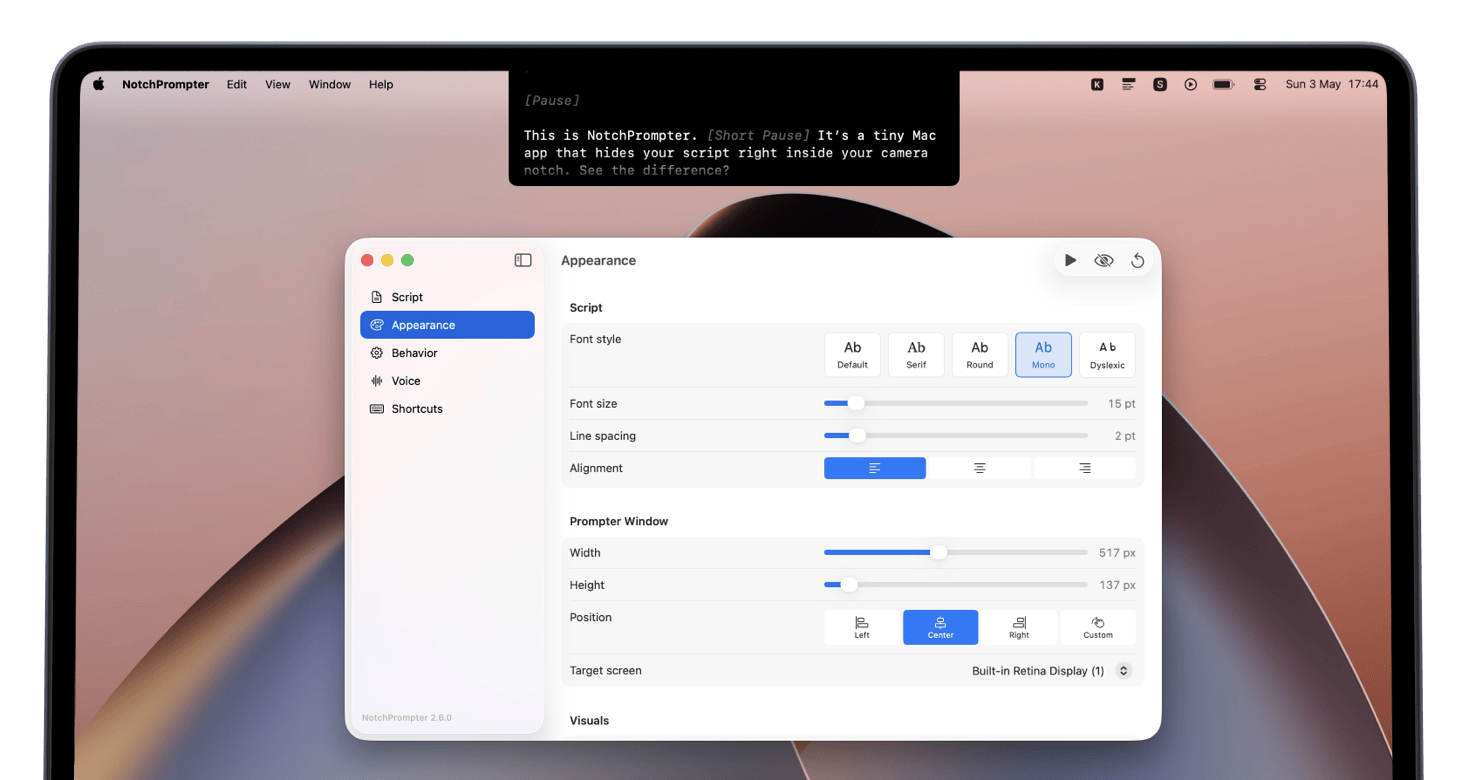
Record with your Mac, read from the notch
You do not need a camera rig with a glass teleprompter to film a good YouTube video. If you record with your MacBook camera or a webcam on top of your display, NotchPrompter places your script right under the lens, so you keep eye contact with your viewers while reading.
Clean screen recordings
Recording a tutorial or a product walkthrough? The prompter is hidden from screen capture, so your script never ends up in the final video and you do not need to crop or blur anything in post-production.
Fewer takes
- Voice-activated scrolling: the script moves while you talk and waits when you pause, so you can take a breath or redo a sentence without the text running away.
- Adjustable speed, text size and font: match the prompter to your reading pace and distance from the screen.
- Keyboard shortcuts: restart a paragraph or pause scrolling without leaving your recording app.
- Dyslexia-friendly font: switch to OpenDyslexic if it makes reading easier for you.
Works for all kinds of videos
- YouTube talking-head videos and vlogs
- Software tutorials and screencasts
- Course lessons and educational content
- Short-form videos for social media
- Product announcements and async video updates for your team
Writing a script that sounds natural
Write the way you speak: short sentences, simple words, and a clear line break wherever you want to pause. Read it out loud once before recording and cut anything that feels stiff. Our teleprompter guide has more tips.