How to use a teleprompter and sound natural
Reading from a teleprompter is a skill, but it is an easy one to learn. These nine tips will help you sound like you are talking, not reading, whether you record videos or present on calls.
1. Write for speaking, not for reading
Spoken language is simpler than written language. Use short sentences, everyday words and contractions like you're and it's. If a sentence needs a second breath, split it into two.
2. Use line breaks as pauses
Start a new line wherever you want to pause. Empty lines between paragraphs give you a natural moment to breathe, smile or change your tone.
3. Choose the right format: script or bullet points
For recorded videos a full script works well, because you can redo a take. For live calls and presentations, bullet points usually sound better: they remind you what to say without making you read word for word.
4. Put the text as close to the camera as possible
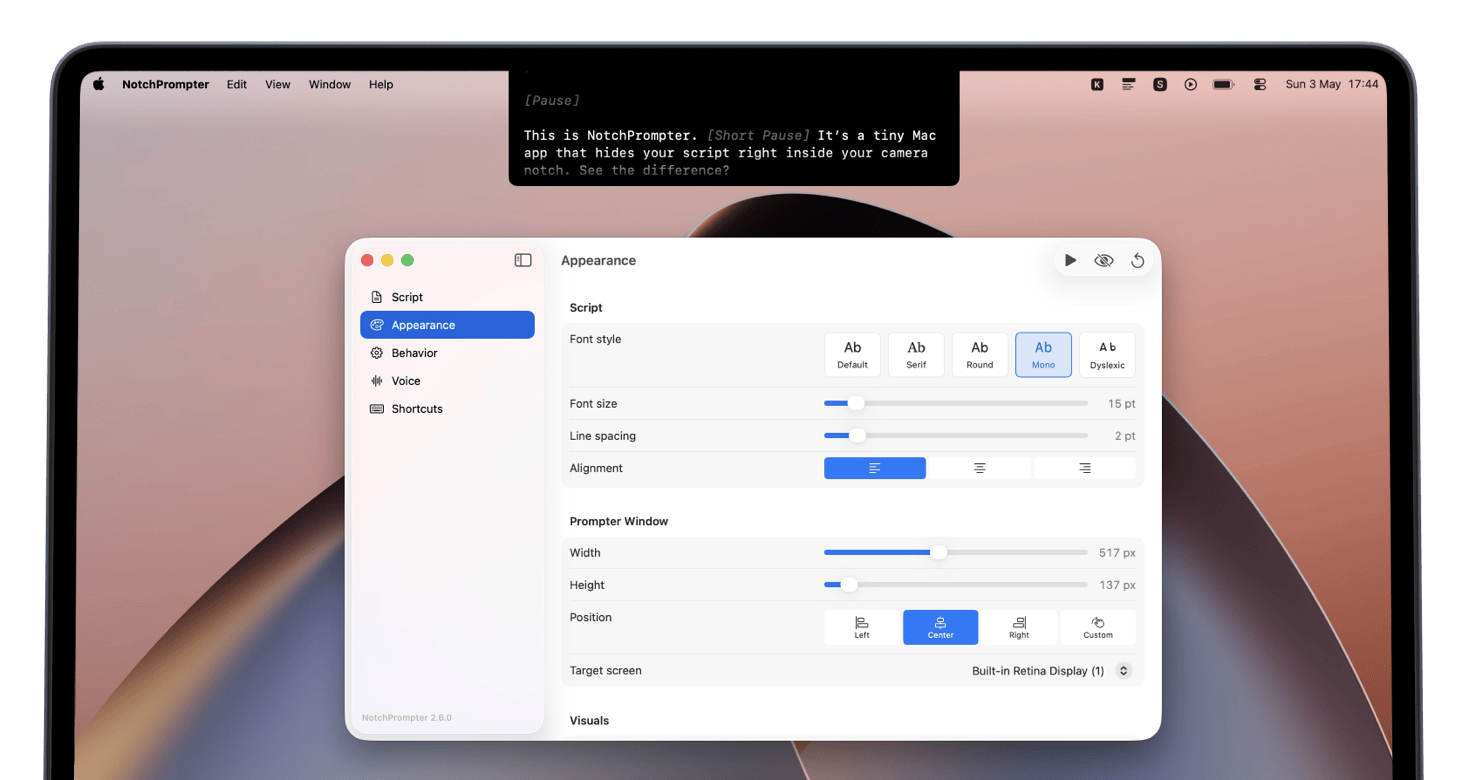
The further your text is from the lens, the more obvious it is that you are reading. On a Mac, the best spot is right under the camera, which is exactly where NotchPrompter sits in the notch area.
5. Make the text big enough
If you squint, viewers will notice. Increase the font size until you can read comfortably from your normal sitting position, and keep only a few words per line.
6. Set the speed to your pace, not the other way round
Most people read faster than they should speak. Start slow and increase the speed little by little. Even better, use voice-activated scrolling, so the text follows you instead of you chasing the text.
7. Rehearse out loud at least once
Reading silently does not reveal tongue twisters or awkward phrasing. Read your script out loud once, mark the hard parts and rewrite them.
8. Mind your eyes and body language
Keep your head still and let only your eyes move. Sit a bit further from the screen so the eye movement is smaller. Smile, nod and use your hands as you would in a normal conversation.
9. Keep it hidden from your audience
Nothing breaks the illusion faster than your script appearing in a screen share. Use a teleprompter that is excluded from screen recording and screen sharing, so you can present and record without worrying about it.
Ready to try it?
Put these tips into practice when recording YouTube videos, during video calls or when giving presentations.